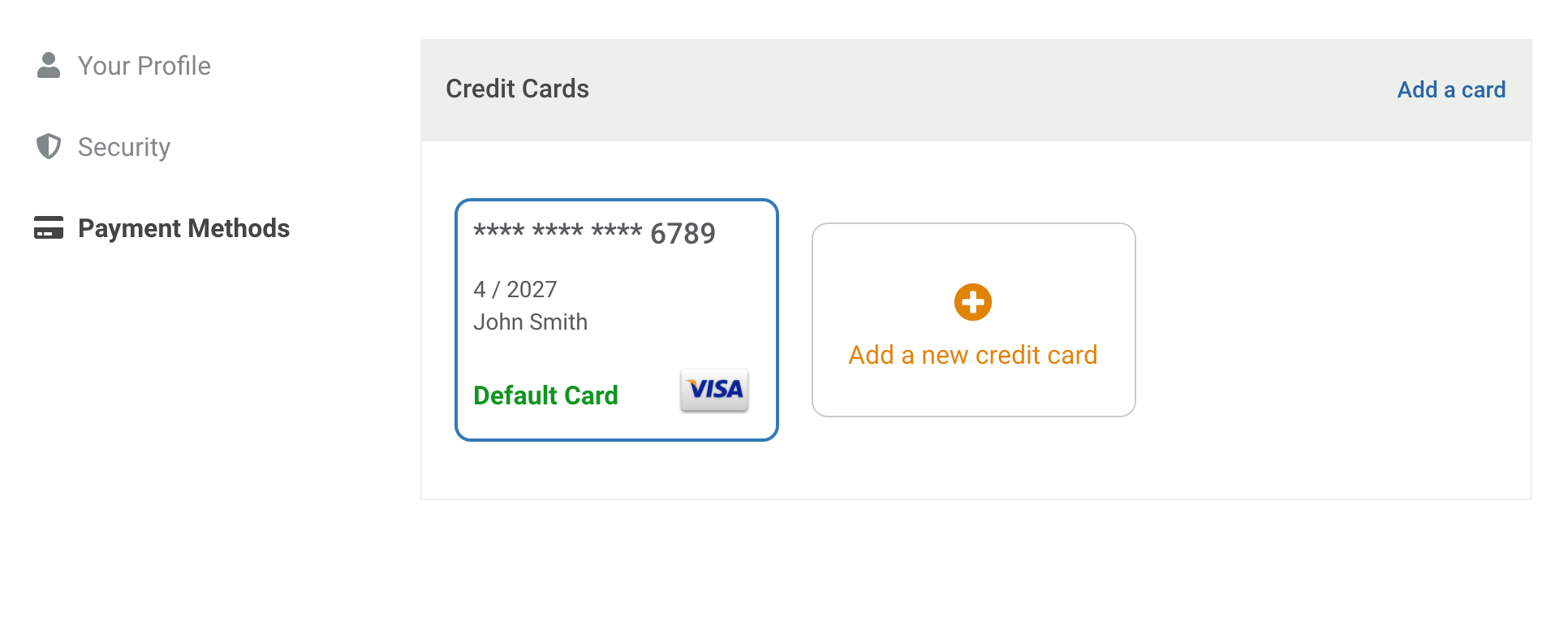
You can fully manage your credit cards and payment methods from your account.
Update your payment methods from the website:
- Go to https://offtherecord.com and log in to your account
- Click on your account avatar in the top right and then click on Your Account
- Click on your account avatar again but this time click on Settings
- Click on Payment Options
- Click on Add Payment Method and enter your card information
Update your payment methods from the app:
1. If you don't already have the Off The Record app, please download it from your app store:
2. Launch the app and log in to your account
3. Click on Settings in the bottom navigation
4. Click on Payment Methods
5. Click on the "+" icon and enter your credit card details